

Introduction
As B2B organizations rethink how they operate in an increasingly digital and hybrid world, many are discovering that sustainable growth depends less on adding new tools and more on choosing one platform capable of unifying people, processes, and communication. Microsoft Teams for Business is emerging as that platform—not simply as a communication tool, but as the operational backbone for modern enterprises.
While most companies recognize Teams for messaging and meetings, its real strategic advantage lies in how it supports organizational rebuilding, operational resilience, and AI-enabled transformation. This evolution is also influencing how organizations design customer-facing operations, including the Microsoft teams contact center, which brings customer communication into the same collaborative ecosystem.
Why Teams Is Becoming a Strategic Asset—Not Just a Collaboration Tool
Hybrid work has forced leaders to reevaluate how information moves across departments and how employees collaborate when they aren’t physically together. Teams fill this gap by centralizing workflows, data, and communication into a shared digital environment.
But beyond its surface-level features, Teams is evolving into a digital fabric that connects every part of the organization. With integrations across Microsoft 365, automation tools, and emerging AI capabilities, it now supports:
- Cross-functional visibility
- Faster decision paths
- Consistent knowledge sharing
- Secure external and internal communication
- Scalable growth across global teams
This shift marks a move from simple productivity improvement to organizational redesign.
How MS Teams Helps Organizations Rebuild with Purpose
1. Breaking Down Operational Silos Through Centralized Communication
Many B2B firms still operate with fragmented workflows—departments rely on different applications, resulting in duplicated work and misaligned priorities. MS Teams offer a unified hub where conversations, files, and decisions live together.
What makes this valuable is not convenience alone, but the operational clarity it introduces. Channels become a record of decisions; shared workspaces reduce back-and-forth communication, and Teams Phone eliminates the need for separate calling systems.
By consolidating communication, organizations gain a more predictable, transparent way of collaborating.
AI in CCaaS enables real-time decision-making, sentiment analysis, and predictive insights that improve both customer and agent experiences.
2. Raising Productivity by Embedding Work into the Communication Layer
Rather than asking employees to move between apps to get work done, Teams bring work to where conversations are already happening. Documents, dashboards, approval of workflows, and task assignments appear within the same interface.
This approach minimizes the cognitive load of tool-switching and encourages:
- Faster approvals
- More accurate reporting
- Reduced process delays
- A shared understanding of ongoing work
Teams paired with Power Automate give organizations the ability to build and refine processes without extensive development resources—an important advantage for growing B2B companies.
3. Modernizing Customer Engagement with Intelligent Workflows
For sales, support, and service teams, Teams provides more than communication—it becomes a workspace for managing the customer lifecycle. This is especially relevant as organizations align support operations with a Microsoft teams contact center approach, where customer conversations and internal collaboration happen in one environment.
Teams enables:
- Live video consultations
- Shared workspaces with clients
- Streamlined escalation and support workflows
- Real-time collaboration during deal or project cycles
With AI tools such as Copilot, customer-facing staff gain insights that previously required manual note-taking or third-party systems. Copilots can highlight sentiment shifts, summarize calls, and provide follow-up recommendations that help teams personalize interactions.
This creates a more responsive and informed customer experience.
4. Building Security and Compliance into Everyday Work
B2B organizations—especially those in regulated industries—need predictable, controlled communication environments. Teams embed compliance standards without forcing employees to change how they work.
Features such as conditional access, data loss prevention, audit logs, and encryption add a layer of compliance that many competing tools lack. This allows security teams to maintain oversight while enabling productivity across distributed workforces.
How AI Is Reshaping Collaboration Inside Teams
What sets Teams apart today is how deeply AI is being integrated into its workflows. Instead of adding AI as a standalone tool, Microsoft positions it as a cognitive layer across meetings, chats, and documents.
Four key areas where AI strengthens teams:
1. Predictive Insights
AI analyzes patterns across communication and workflows to identify risks, workload surges, and opportunities for optimization.
2. Conversational Automation
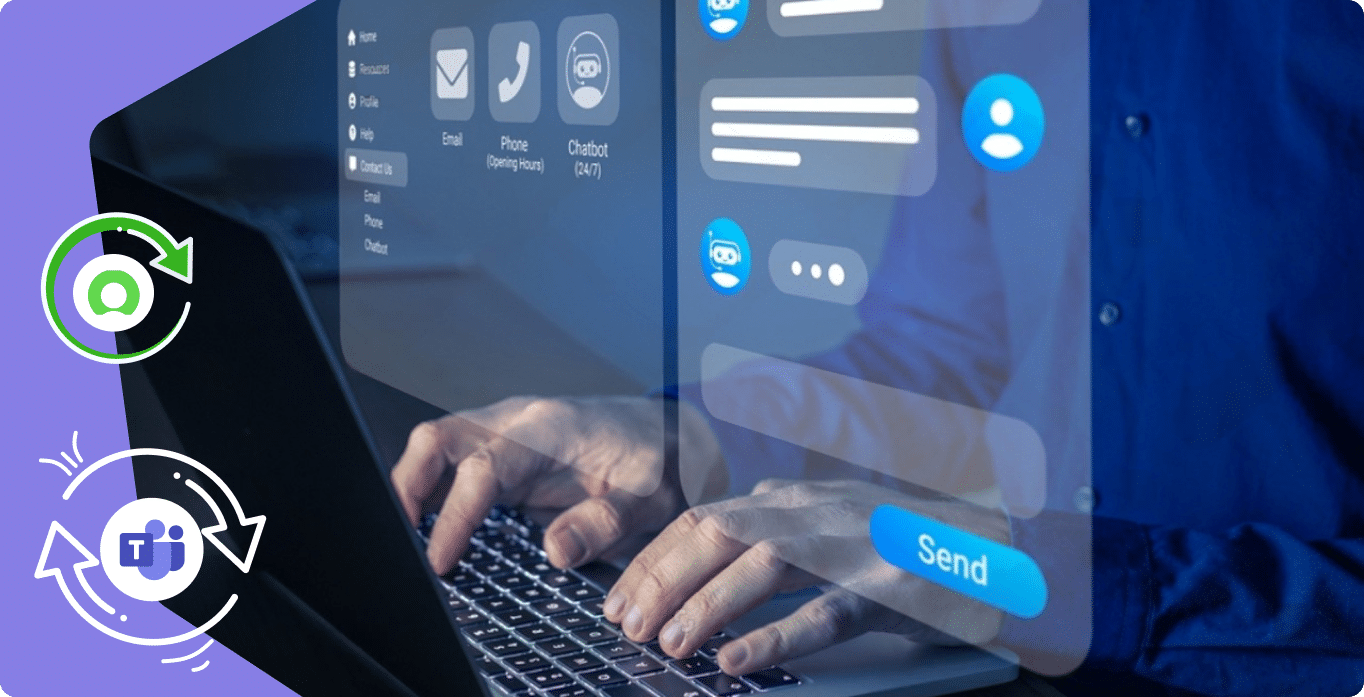
Chatbots can offload routine requests—HR, IT, scheduling, reporting—freeing teams to focus on high-value work.
Platforms like tryvium extend this by automating ticket handling directly within Teams.
3. Enhanced Decision Support
Copilot provides meeting summaries, extracts action items, and connects conversations to documents and tasks, allowing employees to act on information instead of searching for it.
4. Accelerated Processes
AI-driven workflows speed up onboarding, policy guidance, customer response times, and internal communication loops.
AI in Teams is less about automation for efficiency and more about enabling people to work with better context and clearer insights.
Rebuilding the Organization: The Strategic Impact of Teams
A. Strengthening Culture and Collaboration
Teams provide a structured environment where communication feels organized rather than reactive
B. Driving Operational Efficiency
By automating routine processes and centralizing workflows, teams reduce friction and improve overall execution quality.
C. Enhancing Customer Experiences
AI insights and shared workspaces help organizations deliver more timely, personalized interactions.
Conclusion
Rebuilding an organization in today’s digital landscape requires more than adopting new tools—it requires a platform that unifies communication, enhances decision-making, and integrates seamlessly with business processes. Microsoft Teams for Business, strengthened by AI platforms like Copilot and tryvium offers B2B organizations a way to work smarter, collaborate more effectively, and grow with intention.
As AI becomes a standard part of modern work, Teams stands out not as a communication tool but as an ecosystem for the next generation of digital business operations.
FAQs
What is Microsoft Teams for Business used for?
It is used for communication, collaboration, and managing work in one platform.
Can Microsoft Teams support hybrid work?
Yes, it supports remote and hybrid work with chats, meetings, and file sharing.
Does Microsoft Teams include AI features?
Yes, AI tools like Copilot help with summaries, insights, and automation.
Is Microsoft Teams secure for business use?
Yes, it offers built-in security and compliance features for organizations.